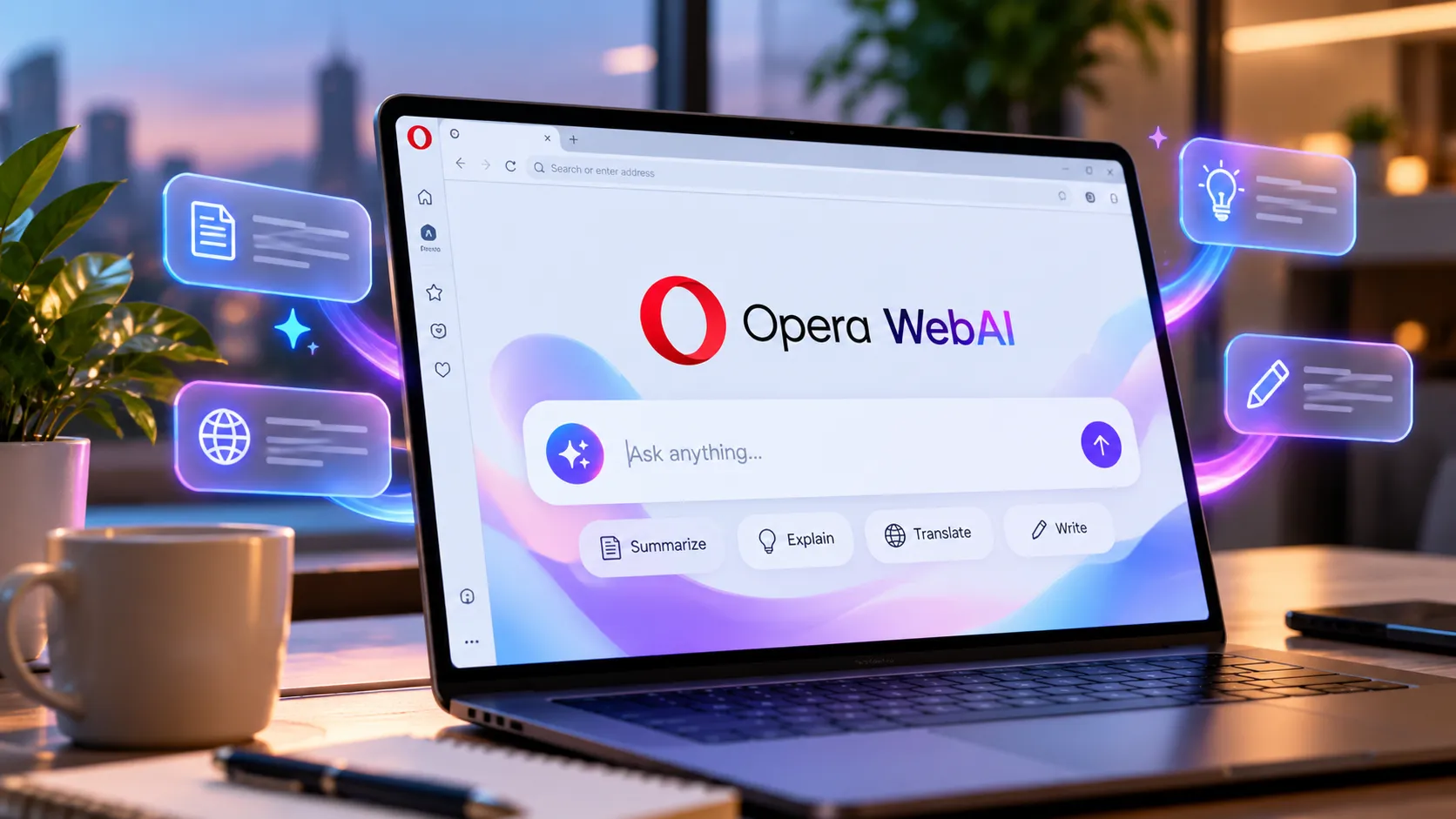
Opera WebAI is a new browser technology that lets websites and extensions run AI models directly on users’ devices. The company introduced the proposed web standard on Oct. 27, offering an alternative to cloud-based AI tools.
The technology supports compatible open-weight models, including Google’s Gemma. On supported Macs, it can also work with Apple’s on-device foundation model. Opera says developers are not restricted to a single AI provider.
WebAI is available as an opt-in early preview across Opera One, Opera GX and Opera Neon. Users must enable the feature before downloading a compatible local model.
How Opera WebAI Runs AI Models Locally
WebAI lets developers add AI features without needing separate cloud infrastructure. Its built-in tools support text generation, content classification and identifying relationships between pieces of information.
For example, a browser extension could summarize articles, identify relevant job listings or organize saved information. These tasks can run locally without sending the processed content to an external AI service.
The approach builds on Opera’s earlier experiments with local AI models. In April 2024, the company introduced experimental support for 150 model variants across approximately 50 families.
WebAI expands that work by making local AI capabilities accessible to websites and extensions through browser APIs. Developers can build applications without managing separate model servers or paying for individual cloud requests.
Local AI Offers Privacy Benefits and Limitations
Opera says local processing gives users greater control over their data. Unlike cloud-based services, supported models can handle requests without transmitting the content to an AI provider’s servers.
The feature also reduces reliance on paid AI subscriptions for tasks supported by local models. However, local processing doesn’t eliminate all privacy or security risks, especially when extensions access sensitive information.
There are also performance trade-offs. Running AI models requires sufficient memory and processing power, which can affect the browser’s responsiveness. Performance depends on the computer’s hardware and the model being used.
Opera currently supports the WebAI preview on 64-bit Windows computers with Intel or AMD processors and Macs with Apple silicon. Intel-based Macs, Linux systems and Windows on Arm are not supported in this preview.
How to Enable Opera WebAI
Users can access the feature by updating a supported Opera browser and opening its settings. Under Opera AI, enabling the Web AI API downloads a compatible model to the computer.
Once activated, users can install compatible extensions that demonstrate local AI capabilities. Opera has developed experimental examples, including tools that analyze articles and generate reading comprehension quizzes.
WebAI remains an early-preview technology, not a finalized web standard. Opera has not announced when it will offer broader hardware support or a stable release.