Microsoft has expanded its collection of original Xbox games on PC to 25 titles, adding 21 classics on November 12, 2026. The release marks Xbox’s 25th anniversary and brings new features to older games.
The update adds keyboard and mouse support across all 25 titles. Four games also receive Xbox achievements for the first time.
Original Xbox Games on PC Expand to 25 Titles
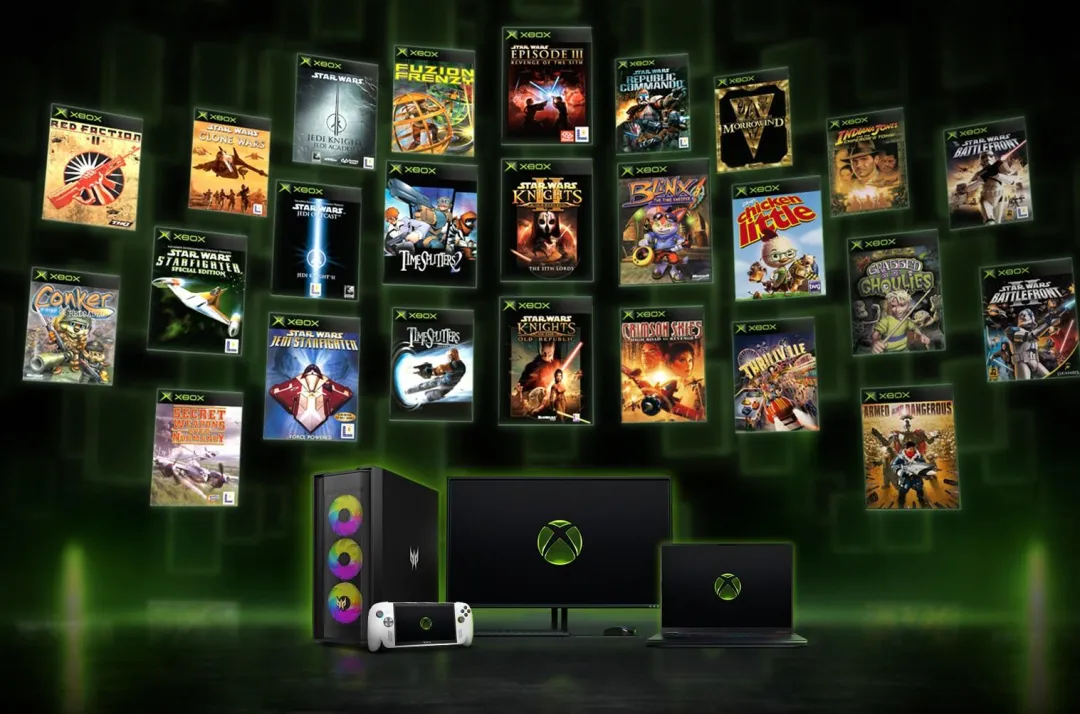
In its official announcement, Microsoft confirmed 21 additional games for Windows 11 PCs and supported handheld devices.
The additions include Star Wars: Knights of the Old Republic, its sequel, and The Elder Scrolls III: Morrowind. Players can also access Star Wars Battlefront, Battlefront II and Republic Commando.
Other notable releases include TimeSplitters 2, TimeSplitters: Future Perfect, Red Faction II and Indiana Jones and the Emperor’s Tomb.
These join four games introduced in July: BLiNX: The Time Sweeper, Conker: Live and Reloaded, Crimson Skies and Fuzion Frenzy.
Four Classic Xbox Games Receive Achievements
Microsoft has introduced achievements for four original Xbox titles:
- Star Wars: Knights of the Old Republic
- Star Wars: Knights of the Old Republic II – The Sith Lords
- BLiNX: The Time Sweeper
- Conker: Live and Reloaded
Achievements are available on PC, Xbox One and Xbox Series consoles. Players may need the latest system update to access them.
Some achievements can unlock automatically based on existing progress. Microsoft plans to introduce achievements for additional classic games.
Keyboard and Mouse Support Comes to Every Game
All 25 titles now support keyboard and mouse controls. Microsoft also improved performance and stability for the four games released earlier this year.
The original Xbox backward compatibility program for PC introduced enhanced graphics settings, including resolution upscaling and anti-aliasing.
These features help older games run on modern Windows hardware while retaining their original gameplay.
TechAmerica previously covered Microsoft’s Xbox Labs research, which explores game preservation, AI-assisted development and modern platform compatibility.
How to Play Original Xbox Games on Windows 11
The games require Windows 11 and are available through the Xbox PC app in supported markets.
Players can purchase eligible titles or access selected games through Xbox Game Pass. Availability depends on the game and subscription plan.
Microsoft’s backward compatibility page provides information about supported games and platform requirements.
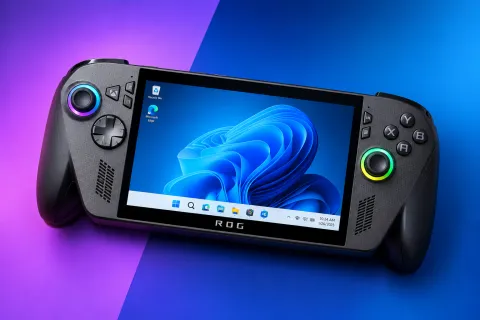
The expansion also supports handheld devices, including the ROG Xbox Ally family.
TechAmerica recently reported on the Xbox PC app redesign, which improves loading speeds, navigation and game library management.
Microsoft Plans More Classic Xbox Releases
Microsoft has confirmed that additional original Xbox games will join the PC compatibility library.
The company has not announced the next titles or their release dates.
The latest expansion gives Windows players access to more older Xbox games without requiring the original console. It also adds modern controls and achievements to selected titles.