Microsoft’s latest Windows 11 updates are making 8GB RAM laptops noticeably more responsive. Independent testing of a 13-inch Surface Laptop found smoother multitasking, fewer memory-related slowdowns and less frequent browser tab reloads.
The Windows 11 8GB RAM improvements follow Microsoft’s effort to reduce memory pressure on affordable PCs. The changes make limited-memory systems more practical, although 16GB remains preferable for demanding workloads.
Windows 11 8GB RAM Improvements Reduce Slowdowns
Microsoft introduced the performance changes with Windows 11 version 26H2, beginning with build 26300.9818.
In its official Windows performance announcement, Microsoft said the updated System can respond up to 20% faster. Its laboratory tests also showed multitasking improvements of up to 40%.
The company says Windows can now retain up to 2GB more active data in physical memory instead of moving it to slower storage.
This reduces the need to reload applications and browser tabs when users switch between tasks.
Surface Laptop Testing Shows Major Memory Improvements
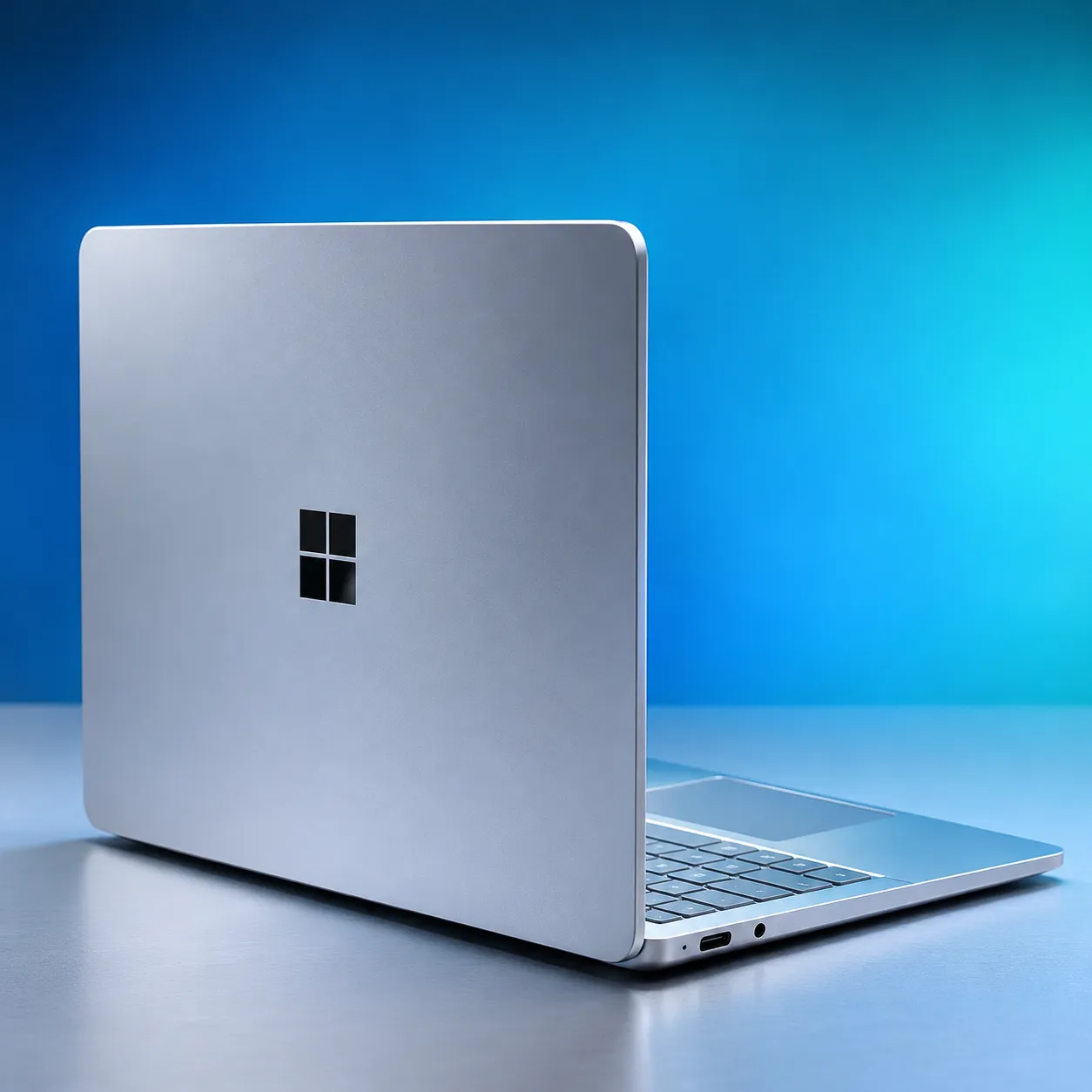
Independent testing compared a 13-inch Surface Laptop with 8GB of RAM before and after installing the latest Windows 11 updates.
Before the update, the laptop struggled with about 20 Chrome tabs, 4K YouTube playback, and messaging apps running at the same time.
Browser tabs frequently reloaded, interface animations slowed, and the cooling fan stayed active.
Windows Resource Monitor recorded memory hard faults ranging from roughly 700 to 29,000 per second during demanding operations.
After updating to Windows 11 26H2 build 26300.9974, the same laptop handled more than 30 Chrome tabs alongside video streaming and messaging applications.
Normal memory hard faults fell below 300 per second, with occasional spikes approaching 1,000.
The laptop also experienced fewer browser reloads, less noticeable interface lag and shorter periods of fan activity.
These observations came from an independent review, not testing conducted by TechAmerica.
How Better Memory Management Makes Windows Faster
When physical RAM becomes insufficient, Windows transfers some memory contents to a storage device through a process called paging.
If an application subsequently needs that information, the operating System must retrieve it from storage.
Microsoft calls these events hard page faults. Frequent hard faults can interrupt applications because SSD access is substantially slower than RAM access.
Improved memory management helps Windows retain frequently used information in RAM for longer, reducing unnecessary storage operations.
The changes are especially important for computers with 8GB of memory, where the operating System and several applications must share limited resources.
TechAmerica previously reported on Microsoft’s decision to remove its 32GB RAM recommendation for demanding Windows workloads.
Microsoft Edge Performs Better Under Heavy Multitasking
The independent evaluation also compared Microsoft Edge with Google Chrome under similar conditions.
Edge showed slightly better responsiveness while managing about 30 tabs, 4K video playback, and a Google Meet call.
It also generated fewer memory hard faults during the test.
However, these findings reflect one laptop and workload. They do not establish that Edge will consistently outperform Chrome on every Windows computer.
Microsoft is separately improving Windows 11 Search performance and memory efficiency, including a redesigned interface undergoing preview testing.
Is 8GB of RAM Enough for Windows 11 in 2026?
The updates make 8GB laptops more usable for web browsing, document editing, video streaming and everyday productivity.
However, additional memory remains valuable for gaming, video editing, development tools and intensive multitasking.
Even after the improvements, the tested Surface Laptop occasionally experienced interface stutters. Chrome also crashed during an especially demanding browsing session.
Microsoft’s official Windows 11 specifications still list 4GB of RAM as the minimum requirement, although that figure does not guarantee comfortable performance.
For buyers choosing a new laptop, 16GB remains the more practical option for longer-term use. Existing 8GB systems, however, can benefit from installing supported Windows updates.
How to Get the Windows 11 Performance Improvements
Microsoft says the memory optimizations are included in Windows 11 version 26H2, starting with build 26300.9818.
Users can check their installed version by opening Settings, selecting System and choosing About.
Users can install available updates through Settings > Windows Update> Check for updates.
Microsoft’s Windows 11 release information provides build numbers and servicing details.
Availability depends on the device, installed Windows version and update rollout.
What the Windows 11 RAM Improvements Mean for Laptop Buyers
The latest changes address a longstanding weakness of Windows laptops with limited memory.
Better memory management can reduce delays without requiring additional hardware, making existing 8GB devices more useful.
Still, software optimization cannot replace physical RAM when applications require more memory than the System provides.
For everyday computing, Windows 11 is becoming more comfortable on 8GB. For sustained multitasking and demanding software, 16GB remains the safer choice.