Icon Swapper for Mac is a new utility that turns application icons into live displays of AI usage and other activity. The software lets users monitor ChatGPT, Claude and Cursor directly from the macOS Dock, without repeatedly opening their account dashboards.
Danish designer Michael Flarup created IconSwapper, which launched on November 19, 2026. The app costs $19 during its introductory promotion, with a planned regular price of $29.
IconSwapper for Mac displays live AI usage
The utility allows users to replace standard application icons with customizable versions that respond to real-time information.
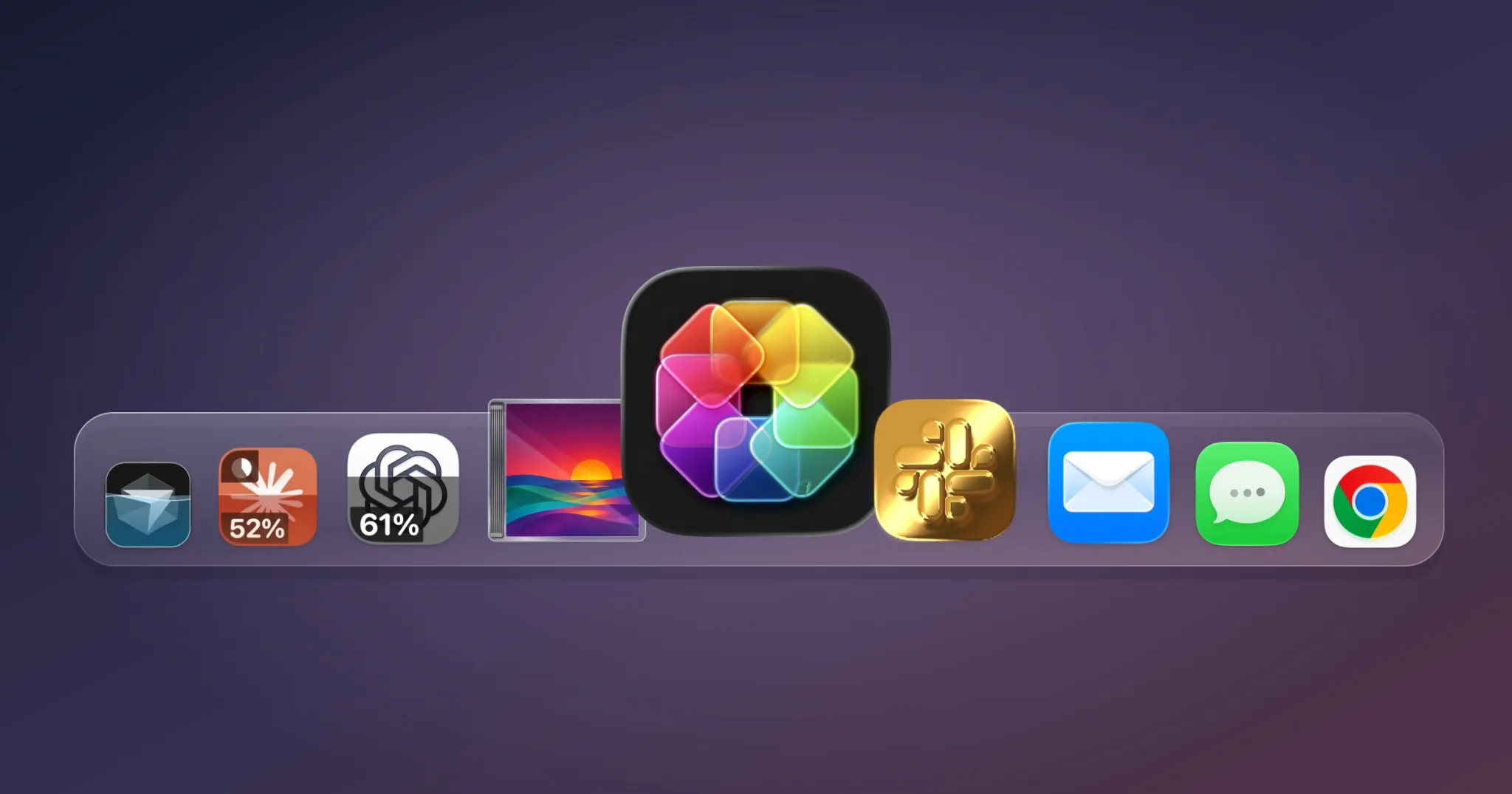
For ChatGPT, Claude and Cursor, the icons can display account usage allowances and activity indicators. Some designs also show when usage limits reset or animate while an AI assistant works.
According to the official IconSwapper website, users can choose an application, customize its icon and enable supported live features. The resulting design appears in the Dock and macOS application switcher.
The utility provides a visual alternative to checking AI usage through separate dashboards. It does not increase an account’s usage allowance or change the underlying AI service.
Animated icons extend beyond AI applications
IconSwapper also supports live icons for Finder, Safari, Mail, Messages, Chrome, Spotify and Apple Music.
Safari’s compass can react to page loading and downloads. Finder’s animated face can follow the cursor, while music applications can display album artwork and playback progress.
Users can also upload custom artwork, change colors, apply visual effects and add animated decorations. The software uses graphics shaders to create these effects.
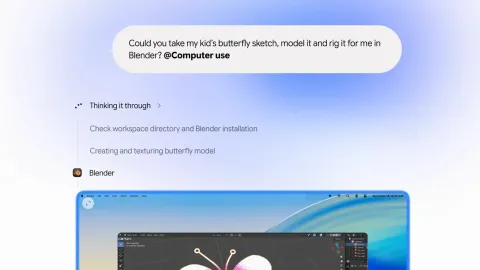
The broader development of desktop AI tools is also changing how users interact with macOS. TechAmerica.ai recently covered Gemini’s computer-use capabilities on Mac, which allow AI agents to perform tasks across desktop applications.
Michael Flarup brings icon design experience to macOS
Flarup has worked on application icons and software design for more than two decades. His Flarup Industries studio develops digital products and creative projects.
He also created The App Icon Books, a publishing project documenting more than 1,400 iOS and macOS app icons and their designers.
IconSwapper brings that design experience into a practical desktop utility. Its combination of live data and customization offers Mac users another way to monitor applications.
For frequent AI users, the most useful feature may be checking account allowances at a glance. Whether animated icons improve productivity will depend on individual workflows and application support.