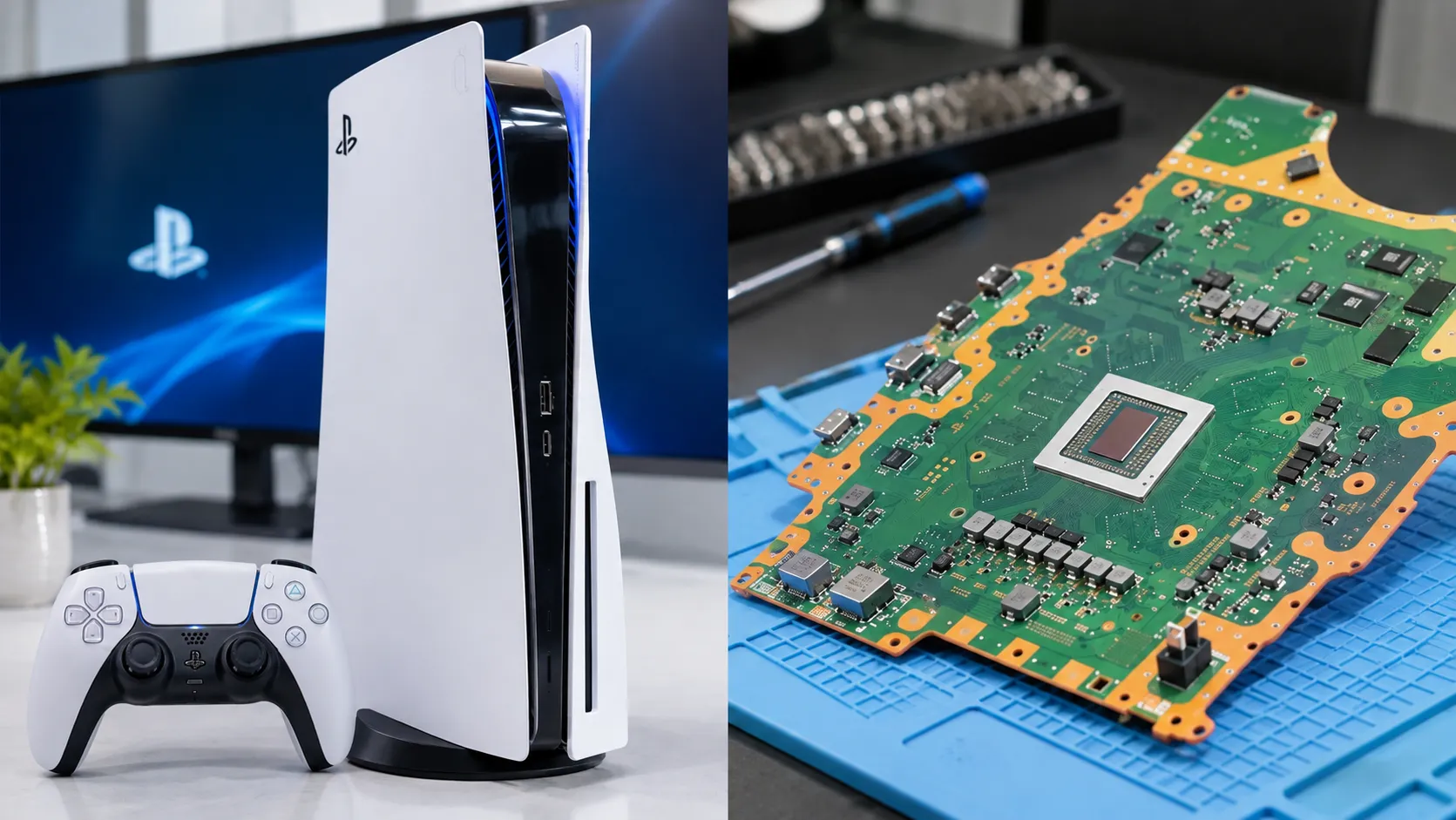
PS5 games technology is best understood as a series of connected systems, not a single graphics specification. The PlayStation 5 uses high-speed storage to bring game assets into memory. Its processor and graphics chip build frames, spatial audio positions sounds, and the DualSense controller provides physical feedback. PS5 Pro adds image reconstruction. This can improve visual detail without rendering every pixel at a higher native resolution.
Those capabilities do not apply identically to every title. Sony’s official PS5 catalog spans open-world releases, platformers, racing games and independent projects. Hardware demands and developer priorities differ across titles. The useful question, therefore, is not whether every PS5 game is 4K or 120 frames per second. It is how a particular game spends the available processing time, memory bandwidth and storage resources.
What Makes PS5 Game Technology Different?
The console follows a familiar computing sequence. It reads compressed assets from storage and prepares them for use. The CPU updates the simulation, the GPU renders images, and separate systems process audio and controller inputs. PlayStation 5’s design connects these stages through a custom input/output pipeline, shared high-speed memory and dedicated system features.
The original PS5 specification lists an eight-core AMD Zen 2 CPU and RDNA 2-based graphics with ray-tracing acceleration. It also specifies 16GB of GDDR6 memory and a custom SSD. Those specifications describe the original hardware design. They are not performance measurements of every later console revision or game. Frame rate, image quality and loading behavior depend on how developers use the system.
How the PS5 SSD Changes Game-World Streaming
A game does not keep every texture, object, animation and sound in memory at once. Instead, the engine decides which assets it will need soon, requests them from storage, and unloads material that is no longer useful. Older games often disguised slower transfers behind elevators, narrow passages or long loading screens. Faster storage gives developers more flexibility over when and how assets become available.
Sony lists the original PS5 SSD’s raw read bandwidth at 5.5GB per second. That is a storage-transfer specification. It does not promise that every game loads 5.5GB of useful scene data each second. Real performance also depends on file layout, compression, decompression, data preparation, the engine’s scheduling and other competing work. Sony’s integrated I/O system includes specialized decompression hardware. This reduces the need for general-purpose CPU work on some data-handling tasks.
Ratchet & Clank: Rift Apart makes the design visible. Its dimensional transitions require different environmental assets to become available quickly while the action continues. Insomniac Games has explained that the console’s SSD and I/O path let its engine request material close to the moment the player needs it. This does not mean all assets arrive instantaneously; it means storage latency can be low enough to support a specific gameplay mechanism.
Why a fast SSD does not automatically create a faster game
Storage can shorten loading and support denser asset streaming. It does not remove the CPU and GPU work needed to simulate and draw scenes. A game limited by complex physics, expensive lighting or a heavy graphics workload may show little frame-rate improvement from a faster drive. The distinction between data availability and frame rendering is central to understanding PS5 performance.
Ray Tracing, Rasterization and the Cost of a Frame
Most real-time game images are built primarily through rasterization: the GPU projects geometric surfaces onto the screen and shades the visible pixels. Ray tracing adds a different method for selected lighting calculations. It follows simulated light paths or intersections to estimate effects such as reflections, shadows or indirect illumination.
Ray tracing can improve how a reflective surface responds to nearby objects, but it is computationally expensive. A game may trace only particular effects while using rasterized lighting for everything else. Developers can also reduce internal resolution or simplify other effects to make room for ray tracing. A ray-tracing mode therefore does not imply that the entire image is path traced.
Frame timing explains the trade-off. A game targeting 30fps has about 33.3 milliseconds per frame. The budgets shrink to 16.7 milliseconds at 60fps and 8.3 milliseconds at 120fps. These are timing budgets, not measured processing results for any title. A rendering effect that fits comfortably at 30fps may be too expensive at twice or four times that output rate.
Ratchet & Clank: Rift Apart offers an instructive case: PlayStation documents ray-traced effects, dynamic 4K presentation and an optional 60fps performance mode. The precise visual compromises depend on the selected mode and current game version. Descriptions such as “4K graphics” should never be read as proof of fixed, native 4K rendering in every scene.
Native Resolution, 120Hz Output and VRR Are Not the Same Thing.
A console may produce a 4K HDMI signal even when its game engine internally renders fewer pixels and reconstructs the picture for output. A television operating at 120Hz refreshes its panel 120 times per second. That does not prove the game engine delivers 120 distinct frames each second. The two numbers describe different parts of the display pipeline.
Variable refresh rate (VRR) lets a compatible display adjust its refresh timing to match better the frames the console produces. This can reduce visible tearing or uneven presentation under supported conditions, but VRR cannot manufacture missing frames or eliminate every stutter. A 120fps mode also requires explicit support from the game, compatible console video settings and suitable display equipment.
The PS5 supports 1440p output on compatible monitors as well as 4K output. Some games use dynamic rendering resolutions, changing their internal workload to protect frame rate during demanding scenes. This can be a sensible choice when a stable response to player input matters more than maximum fine detail in every frame.
What PS5 Pro’s PSSR Actually Does
PlayStation Spectral Super Resolution, or PSSR, is Sony’s AI-assisted image-reconstruction technology for PS5 Pro. A compatible game can render at a lower internal resolution instead of calculating every final pixel. PSSR then reconstructs a higher-resolution image for presentation. The goal is to allocate more of the graphics budget to frame rate, lighting or other visual work.
The source image still matters. Upscaling estimates details that were not rendered at the final pixel count. Fast movement, thin lines and particle effects can challenge reconstruction algorithms. Quality depends on the game’s integration, source material, chosen settings, and the upscaler version. PSSR is not a guarantee that a reconstructed image always equals native 4K.
Sony announced a substantially revised PSSR algorithm in February 2026 and began broader rollout in March. The company said the update improves fine-detail clarity and image stability for supported games. Resident Evil Requiem was identified as the first title to use the more advanced version, while Sony subsequently named games including Final Fantasy VII Rebirth, Silent Hill f and Monster Hunter Wilds in its rollout. The availability and results remain game- and software-dependent.
PS5 Pro’s approach fits within the broader field of image reconstruction. TechAmerica recently examined AI upscaling and frame-rate trade-offs on Windows gaming hardware, but Microsoft’s Auto SR and PlayStation’s PSSR use different platform requirements and integration models. Their claims shouldn’t be compared as though one common lab test had established a winner.
How DualSense Haptics and Adaptive Triggers Affect Gameplay
The DualSense controller adds two kinds of feedback that are often described together but do different jobs. Haptic feedback changes the vibration pattern to communicate impact, surface, or movement. Adaptive triggers can vary the resistance a player feels while pressing a trigger. Both depend on software decisions made by the game developer.
In Astro Bot, Sony explicitly identifies haptic effects, adaptive triggers, the controller speaker, fast SSD transitions and Tempest 3D audio as part of the experience. Haptics can help distinguish motion or environmental interactions, while a resistant trigger can signal a particular tool or action. That information does not prove every title implements it equally well or that force feedback always improves accessibility.
Some players prefer less physical resistance, and supported settings or individual games can turn off controller feedback. Adaptive trigger behavior should be assessed as an optional interaction design choice, not a universal competitive advantage. For accessible play, button remapping, visual cues and clear audio can matter as much as elaborate controller effects.
Tempest 3D Audio: From Game Coordinates to Directional Sound
A game’s audio system knows where virtual sound sources are located relative to the player. Spatial audio processing then changes timing, level, and frequency cues so listeners can perceive those sources as coming from different directions. Sony’s Tempest 3D AudioTech supports this process on PS5.
The hardware that reproduces the signal is a separate part of the chain. Headphones may make subtle left-right and front-back positioning easier to perceive for some listeners, while supported TV speakers can also use PS5’s 3D audio features. Results vary with the game’s mix, listening position and personal hearing characteristics. A headset with excellent drivers does not automatically create positional effects that aren’t in the game’s audio data.
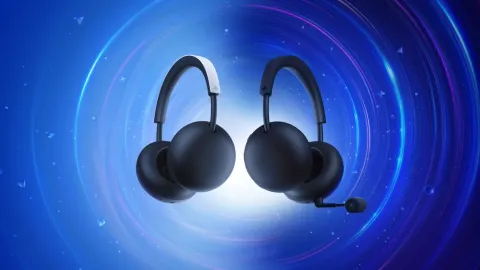
TechAmerica’s reporting on PlayStation wireless headset hardware and planar magnetic drivers addresses the sound-reproduction end of that pipeline. Headset design and spatial audio rendering are complementary technologies, not interchangeable specifications.
Which Games Actually Demonstrate These Features?
Specific game examples are more useful than claiming the whole catalog shares one technology profile. The table lists uses documented by Sony or developers. It does not report independent performance tests or guarantee identical results across hardware revisions.
| Game | Documented technology | What it changes |
|---|---|---|
| Ratchet & Clank: Rift Apart | Fast SSD/I/O, ray-traced effects, DualSense | Rapid world transitions, selected lighting effects and controller feedback |
| Astro Bot | DualSense haptics and triggers, Tempest audio, SSD | Physical feedback, directional sound and fast environment changesMarvel’s |
| s Spider-Man 2 | PS5 Pro-enhanced rendering modes | Developer-defined combinations of ray tracing, image quality and frame rate |
| Final Fantasy VII Rebirth | Upgraded PSSR support on PS5 Pro | AI-assisted image reconstruction in supported configurations |
| Silent Hill f | Upgraded PSSR support on PS5 Pro | Updated image reconstruction rather than a new gameplay mechanic |
The games are not ranked because their goals differ. A platformer that uses controller feedback carefully cannot be compared meaningfully with a cinematic action game by counting effects. A better evaluation asks which technology solves a recognizable design problem and whether that benefit survives ordinary play.
PS5 vs. PS5 Pro vs. Xbox Series X: A Technology Comparison
The three consoles share modern CPU/GPU, fast SSDs, and high-resolution output. Their differences lie in developer tools, individual rendering features, controller implementations, backward-compatibility behavior and which games support each capability. Xbox Series X is included for technology comparison, not to claim the same games or settings were tested side by side.
| Platform | Distinctive strengths | Important qualification |
|---|---|---|
| Standard PS5 | Custom high-speed SSD/I/O; ray-tracing acceleration; DualSense; Tempest 3D Audio | No PSSR feature; visual modes and feedback depend on each game |
| PS5 Pro | PS5 game library plus PSSR, enhanced ray-tracing options and selected performance improvements | Pro improvements are game-dependent; upgraded PSSR requires compatible support or settings. |
| Xbox Series X | Custom NVMe SSD, Velocity Architecture, hardware ray tracing, up to 120fps support and Quick Resume | Game-specific results cannot be predicted from hardware specs alone; controller and software features differ. |
Microsoft lists a 2.4GB/s raw internal-storage transfer rate for Xbox Series X, compared with Sony’s original 5.5GB/s raw specification for PS5. Those figures are useful architecture facts, but they don’t rank real-world loading speed across unrelated games. Asset compression, engine behavior, file access patterns and game design vary too much for that conclusion. Nor do GPU teraflop counts establish the visual quality of two different games.
On PS5 Pro, developer-created enhancement modes can deliver clearer images or improved performance in supported titles. On Xbox Series X, Quick Resume preserves supported game states for later resumption, addressing a different convenience problem. Neither feature proves superiority across the entire game library.
Storage Expansion: Why USB Is Different From an Internal M.2 SSD
PS5 owners can expand playable PS5 storage with a compatible internal M.2 NVMe solid-state drive. Sony specifies a PCIe Gen4 x4 interface, effective heat dissipation and a recommended sequential read speed of at least 5,500MB/s. Its published supported capacity range is 250GB to 8TB, subject to physical and compatibility requirements.
These requirements reflect the demands of direct game execution. An external USB drive can store PS5 titles. To run them, players must transfer those games to internal storage or a compatible installed M.2 drive. Players can play compatible PS4 games directly from external USB storage. Sony also cautions that even a high-speed expansion SSD does not guarantee the same performance as its integrated drive in every game.
A drive’s advertised peak speed isn’t its full performance profile: the actual behavior, small-file access and game-specific workloads. Choosing storage should begin with interface and heat-sink compatibility rather than the largest headline bandwidth number.
Local Gaming, Remote Play and Cloud Streaming Use Different Pipelines
When a PS5 runs a locally installed game, the console handles simulation and rendering before sending the resulting video to a display. Remote Play instead encodes a video stream from a running console and sends it over a network to another device. Cloud streaming moves game execution to remote servers for supported titles and services. Each arrangement has different dependencies and potential sources of delay.
For online multiplayer, network latency and the game’s synchronization system can affect responsiveness even if the console holds a stable frame rate. For remote or cloud play, video encoding, bandwidth, network congestion and decoding add further variables. A higher console display-refresh setting cannot eliminate a slow internet connection.
Service availability also changes independently of hardware support. TechAmerica reported a planned December 2026 shutdown of the PlayStation Plus Windows streaming app; that change does not mean local PS5 games or all PlayStation cloud streaming are being discontinued. Check regional service terms and the relevant game page before deciding on a platform.
What PS5 Gaming Technology Is Likely to Change Next?
The most concrete near-term direction is continued software refinement of existing rendering tools. Sony’s 2026 PSSR rollout shows how a console can gain a materially different image-reconstruction algorithm through updates and developer support. Broader adoption will depend on whether developers find the resulting image stability, frame timing, and integration worth the effort.
Developers may continue refining asset delivery, selective ray tracing, reconstruction and accessible feedback. Those possibilities are not announcements of future PlayStation hardware. No unreleased console specification is needed to explain the trajectory. The evidence is the combination of today’s hardware constraints and verified software changes.
Ultimately, PS5’s technical identity is defined by coordination. The SSD supplies assets while the CPU advances the simulation. The GPU has a finite frame budget; audio and controller systems provide other feedback. PS5 Pro adds image reconstruction to that balance. The technology matters when a game uses those resources to improve an identifiable part of play, not when a feature appears on a checklist.