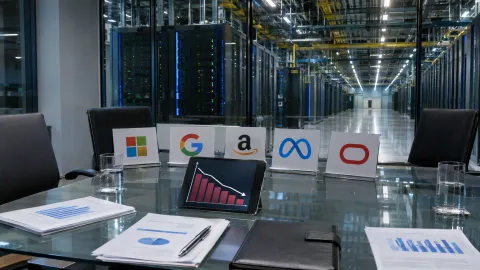
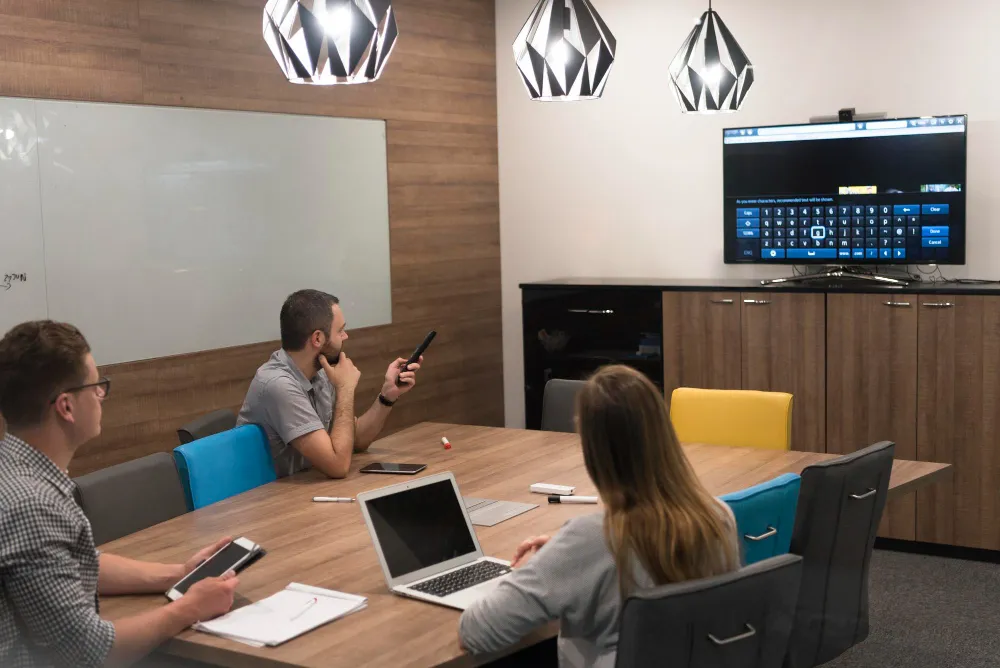
A conference room can have a working camera, microphone, and display yet still be unavailable for a meeting. The touch controller may have lost its connection, the conferencing application may require authentication, or a recent firmware update may have disrupted compatibility. Meeting room device management is increasingly important because IT teams must identify these problems across offices without inspecting every room in person.
The challenge extends beyond keeping equipment connected. In June 2026, the National Institute of Standards and Technology (NIST) introduced updated draft cybersecurity guidance addressing the growing complexity of connected products. The guidance reflects a broader concern for organizations managing network-connected equipment: devices must remain secure, supported, and operational throughout their working lives, not just function when first installed.
Why Conference Rooms Become an IT Management Problem
A modern conference room contains several devices that depend on one another. Cameras, microphones, speakers, displays, touch controllers, and dedicated conferencing computers may operate as separate components while appearing to employees as one system.
When a meeting fails, the cause is not always obvious. A camera may work correctly, but the conferencing application may not be able to access it. A display might be powered on but connected to the wrong input. Audio problems can originate from network settings, device configuration, or an incompatible software update.
These issues become harder to manage when a company operates dozens of rooms across different buildings. IT departments must account for equipment purchased at different times, running different firmware versions, and supporting different conferencing platforms.
Centralized management lets administrators inspect supported equipment remotely and identify problems before they generate repeated support requests. However, the quality of that oversight depends on what information each device can report.
What Meeting Room Device Management Actually Covers
Meeting room device management involves maintaining an inventory of conference-room hardware, monitoring its operating condition, controlling supported configurations, and managing software updates throughout the equipment lifecycle.
The process begins with identifying what is installed. An organization should know which devices belong to each room, how they connect to the network, what software they run, and when their support arrangements expire.
A useful inventory records device models, serial numbers, firmware versions, network identifiers, physical locations, and responsible support teams. Warranty and replacement dates help administrators plan maintenance.
This inventory becomes particularly valuable when a security vulnerability affects a specific product or firmware version. Instead of searching buildings manually, IT staff can identify potentially affected equipment through existing records.
NIST emphasized the importance of connected product security in its June 2026 guidance update. The agency’s work addresses how organizations establish cybersecurity requirements for connected products and manage growing device complexity.
Although the guidance is not a conference-room management standard, its principles apply to network-connected audiovisual equipment.
Remote Monitoring Can Detect Problems Before a Meeting Starts
The main attraction of centralized management is the ability to recognize equipment problems without waiting for employees to report them.
Supported monitoring platforms may report whether a device is online, its firmware version, connectivity status, and certain hardware faults. Administrators can use this information to identify rooms needing attention.
For example, a monitoring system could show that a conferencing computer disconnected overnight. IT staff may be able to investigate the issue remotely before the first scheduled meeting.
However, an online status does not prove that the entire room works correctly. A camera can remain connected to the network while its video feed fails. A speaker may respond to monitoring requests but produce no audible sound.
Organizations therefore need to distinguish device availability from meeting readiness.
Some room systems support automated health checks or diagnostic tests. Others require periodic manual inspections to confirm that cameras, audio, controls, and content sharing work.
Remote monitoring is most useful when combined with practical tests of the complete meeting experience.
Why Firmware Updates Can Create Unexpected Failures
Conference-room equipment increasingly depends on software for functions such as video processing, camera positioning, authentication, and conferencing platform integration.
Firmware updates can resolve security vulnerabilities, improve reliability, and introduce supported features. They can also affect device compatibility.
A conferencing appliance may receive an update while its connected touch controller remains on an older software version. If the two components require compatible releases, the room may stop functioning as expected.
IT teams should avoid treating every available update as an immediate deployment requirement. Security-critical patches may need urgent attention, while other releases may benefit from controlled testing.
NIST’s enterprise patch management guidance recommends identifying, prioritizing, installing, and verifying updates through an established maintenance process.
For conference rooms, that process can include testing changes on representative equipment, scheduling updates outside important meetings, and confirming that essential features still work afterward.
Administrators should also understand whether a device supports firmware rollback. Some updates cannot be reversed easily, so backup configurations and recovery planning matter.
How Network Infrastructure Affects Meeting Room Reliability
Not every conference-room failure originates from the audiovisual equipment. Network configuration can influence device registration, video quality, authentication, and access to management services.
Some installations use wired Ethernet connections, while others rely on Wi-Fi. Dedicated devices may receive power through Power over Ethernet, or PoE, which lets compatible network connections supply both data and power.
Network interruptions, insufficient PoE capacity, blocked connections, or domain name resolution issues can disrupt room operation.
IT staff need to understand which connections support conferencing services, device management, and local communication between components.
Segmentation can help restrict unnecessary access between meeting-room equipment and sensitive corporate systems. However, network restrictions must still permit legitimate device communication.
NIST’s trusted IoT onboarding guidance, finalized in November 2025, describes methods for verifying devices and securely providing network credentials before allowing them to connect.
These principles can help organizations assess how compatible conference-room devices join and remain connected to enterprise networks.
Remote management interfaces should also be protected from unauthorized access. Connecting equipment to the corporate network should not automatically expose administrative controls to every network user.
The Difficulty of Managing Different Equipment Brands
Many organizations operate mixed audiovisual environments. One office may use integrated conferencing appliances, while another relies on separate cameras, microphones, and computers.
Different manufacturers can provide different management capabilities. Some devices report detailed diagnostic information and support remote configuration. Others expose only basic connectivity status or require proprietary management applications.
This creates a fragmented view of the organization’s meeting-room infrastructure.
IT teams may need to collect information from several management platforms. Even when software integrations are available, device status descriptions and alert formats may differ.
Before selecting new equipment, buyers should examine which management functions are available through documented interfaces. They should also confirm whether monitoring features require additional subscriptions.
Useful purchasing questions include whether devices support remote updates, how long security patches will remain available, and whether essential functions depend on a proprietary cloud service.
Organizations should also consider what happens if a provider discontinues support. Hardware that still functions physically may become difficult to maintain securely after software updates end.
What Happens When a Conference Room Goes Offline?
A useful device-management system should speed up troubleshooting rather than produce more alerts.
Consider a room that becomes unavailable shortly before a scheduled presentation. The IT service desk needs to determine whether the problem affects the entire network connection, a specific device, or the conferencing application.
Accurate equipment records and recent status information can narrow the investigation. If the camera and controller remain reachable but the conferencing computer is offline, support staff have a more specific starting point.
Remote recovery may resolve some problems. Administrators might restart a supported application, reconnect a managed device, or restore an approved configuration.
Other failures require physical intervention. A damaged cable, disconnected power supply, or defective microphone cannot always be repaired remotely.
For business-critical rooms, organizations should establish a fallback arrangement. This could involve a tested alternative room or compatible replacement equipment.
The objective is not to eliminate every failure. It is to reduce the time employees spend diagnosing problems and waiting for meetings to resume.
Privacy and Security in Centralized AV Monitoring
Conference-room management platforms may collect device identifiers, diagnostic logs, software information, and room usage data. Some installations also connect to occupancy systems or conferencing analytics.
Organizations should treat these categories of information differently. Device health monitoring generally does not require access to private conversation content.
Organizations should establish what data is collected, who can view it, and how long it is retained.
Administrative accounts also require protection. A compromised management account could potentially allow unauthorized configuration changes across many connected devices.
Appropriate safeguards include strong authentication, restricted administrative permissions, documented change procedures, and regular review of access rights.
Privacy concerns increase when room management is connected to video recordings, participant information, or workplace occupancy data.
Businesses should consider whether aggregated operational measurements can meet their needs without unnecessarily identifying individual employees.
How IT Teams Can Measure Meeting Room Performance
Purchasing a centralized management platform does not automatically reduce support costs. Organizations need evidence that the system improves reliability and makes equipment easier to maintain.
Useful measurements include device availability, the number of room-related support tickets, recurring equipment failures, and the time required to restore service.
Mean time to repair, sometimes called MTTR, can help teams compare how quickly problems are resolved before and after introducing remote management.
Another important measure is the proportion of scheduled meetings affected by technical issues. A device may experience several brief interruptions without disrupting a meeting, while a single failure during a major presentation can cause significant disruption.
IT departments should examine operational outcomes rather than treating every technical alert as equally important.
For organizations exploring broader workplace automation, TechAmerica.ai has previously covered smart meeting room technology, including intelligent cameras, occupancy sensors, and hybrid collaboration systems. Device management provides the maintenance and operational support needed to keep such technologies functioning.
Planning for Equipment Replacement and Long-Term Support
Meeting-room hardware often remains installed for several years. During that period, conferencing applications, operating systems, and security requirements can change.
Long-term planning should account for software support dates, hardware compatibility, warranty coverage, and replacement costs.
For example, a display may continue functioning long after a conferencing appliance reaches the end of its supported lifecycle. Replacing the entire installation may be unnecessary if the components were designed to operate independently.
Modular designs can offer more flexibility, although they may add integration and maintenance requirements.
Organizations should document which equipment can be replaced separately and whether existing cabling, network infrastructure, and displays can support future upgrades.
Environmental considerations also matter. Extending the useful life of supported equipment can reduce unnecessary replacements, but retaining devices that no longer receive essential security updates may introduce unacceptable risks.
The appropriate replacement decision should consider reliability, security, compatibility, and the total cost of maintaining the installation.
What Reliable Conference Rooms Will Require Next
As meeting rooms incorporate more software-controlled equipment, device management is becoming part of ordinary enterprise IT operations. The same concerns that apply to laptops and network infrastructure increasingly apply to conferencing hardware: accurate inventories, secure access, timely updates, and dependable recovery procedures.
Future management systems may provide better diagnostics and more automated fault detection. However, no management dashboard can compensate for poor installation, unsupported equipment, or inadequate maintenance planning.
Meeting room device management ultimately succeeds when employees rarely need to think about it. Cameras connect, microphones work, software remains compatible, and IT teams can address problems before they interrupt business. For organizations managing multiple offices, that operational consistency is a more meaningful measure of success than the number of features listed on a device specification sheet.