





































Chrome introduces a smarter way to manage too many open tabs
Google Chrome rolls out improved tab management features, helping users efficiently organise, group, and reduce clutter from too many open tabs.
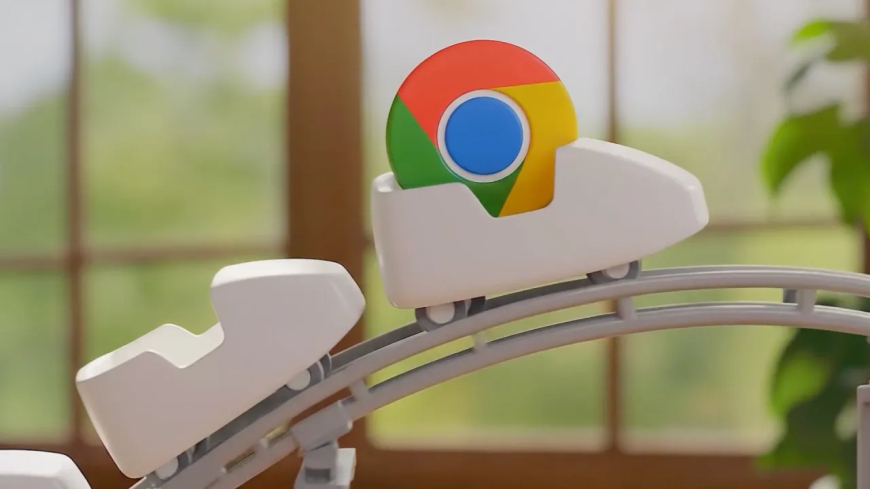
After years of hesitation, Google is bringing vertical tabs to Google Chrome. This feature has recently gained popularity through browsers like Arc, which later evolved into the AI-focused browser Dia. The company announced on Tuesday that users will now have the option to switch to vertical tabs, which appear along the side of the browser window instead of across the top. This layout makes it easier to view full page titles and organise tab groups more effectively.
Once users enable vertical tabs, the setting will remain active by default unless they choose to switch back.
Alongside this update, Chrome is also introducing improvements to its Reading Mode, which offers a distraction-free interface designed to help users focus on written content without unnecessary visual clutter.
These updates highlight how increased competition from newer browsers has influenced Chrome’s development. At the same time, they may reduce the advantage that competing browsers have gained by offering features not previously available in Chrome.
Google explained that users can enable vertical tabs at any time by right-clicking anywhere in a Chrome window and selecting “Show Tabs Vertically.” There is no fixed limit to the number of tabs users can open, aside from the constraints imposed by their device’s hardware. The vertical tab layout functions the same way as the traditional horizontal setup, allowing users to manage multiple windows, each with its own tabs or tab groups.
Vertical tabs are particularly useful for users who regularly work with many open tabs. Researchers, professionals, and heavy browser users often find it difficult to locate specific tabs when many are open, especially when several tabs share the same website icon.
This is not the first time Google has explored the concept of side-positioned tabs. The company experimented with a similar feature years ago, but it never progressed beyond testing. In more recent versions of Chrome, some users were able to enable vertical tabs via experimental flags, and the growing popularity of alternative browsers likely contributed to Google’s decision to release the feature officially.
In recent months, Chrome has introduced a series of updates, including integration with Gemini, improvements to autofill functionality, a Split View mode, and a faster release cycle for new features.
Google confirmed that vertical tabs are being rolled out gradually to users worldwide.
At the same time, Chrome is launching a redesigned Reading Mode that provides a full-page experience to reduce distractions and improve readability. This updated mode is set to become the default experience for users, addressing the increasing clutter on many web pages, particularly news websites filled with advertisements and subscription prompts.
Interestingly, the broader issue of website clutter is partly tied to declining traffic for publishers — a shift influenced by the growing role of AI, including tools developed by Google itself, which are changing how users access information online.
What's Your Reaction?
 Like
0
Like
0
 Dislike
0
Dislike
0
 Love
0
Love
0
 Funny
0
Funny
0
 Angry
0
Angry
0
 Sad
0
Sad
0
 Wow
0
Wow
0