

























WordPress.com adds an AI Assistant that can edit, adjust styles, create images, and more
WordPress.com launches a built-in AI Assistant that helps users edit content, adjust design styles, generate images, and streamline website creation directly from the dashboard.
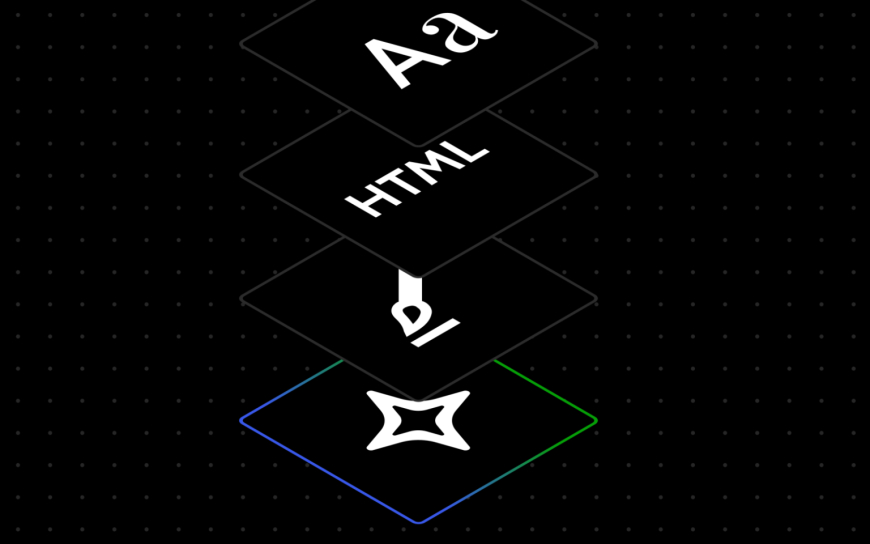
WordPress.com, Automattic’s website hosting platform, is adding a built-in WordPress AI assistant, the company announced on Tuesday. The new feature works directly in a website’s editor, understanding the site’s content and layout so owners can make updates using natural language instructions.
With the assistant, users can modify a site’s layout, styling, and other design patterns by typing requests into the tool and watching the updates appear as they work. WordPress.com says prompts don’t need to be overly specific. Instead, users can give broader direction, such as “make this section feel more modern or spacious,” “change my site’s colours to be brighter and bolder,” or “give me more font options that feel clean and professional.”
The assistant can also help with structural changes and page building. For example, users can ask it to “add a contact page,” or “add a testimonials section below this section.” However, the company says these layout adjustments are designed for block themes rather than classic themes. If a site is using a classic theme, the assistant won’t appear in the editor.
Beyond design changes, the WordPress AI assistant can also update written content, including requests like rewriting a bio to sound more confident or translating a section into another language.
The tool is also positioned as an editorial helper. WordPress.com says it can suggest headlines, perform fact checks, and provide grammar and editing feedback. This part of the experience is available through the block notes editor introduced in WordPress 6.9, which allows users to collaborate with teammates in the editor itself. Now, users can bring the AI into that workflow by typing @ai followed by a request, and the assistant will respond inside the notes area, including relevant links and other information when it cites external sources.
For visual creation and edits, the assistant uses Google Gemini’s Nano Banana AI models. These can be used to generate new images or modify existing ones. The feature appears as a new “Generate Image” button in the Media Library, where users can set requirements like aspect ratio or specify a desired image style.
WordPress.com says the WordPress AI Assistant is optional and must be enabled by users who want it. To turn it on, users need to log in, go to their Sites list, select their site, open Settings, scroll to “AI tools,” and toggle “Enable AI assistant.”
Customers who buy a website using the AI website builder will have the assistant enabled automatically.
What's Your Reaction?
Like
0
Dislike
0
Love
0
Funny
0
Angry
0
Sad
0
Wow
0